Virtual Components
IMPORTANT: Secure a spot in the course by completing payment exclusively on the Shelly product page. Purchase a voucher there to receive an e-mail with your unique code and detailed instructions for accessing the course. THE PRICES ON THE SHELLY ACADEMY WEBSITE DO NOT INCLUDE VAT.
BUY VOUCHER
The "Virtual Components" pre-recorded course by Shelly Academy, in partnership with SoftUni Global, offers an immersive dive into the innovative world of home automation with Shelly devices.
This course provides a unique opportunity to explore the potential of Shelly's virtual components and how they can be leveraged for seamless platform integration. It is designed to equip students with the knowledge and skills needed to harness the power of virtual components.
Learn at your own pace and gain hands-on experience with real-time data exchange, secure communication, and long-range connectivity - essential for smart home and professional integrations.
Join us to deepen your technical skills and elevate your Shelly projects.
Skills which you will acquire
- Understanding and utilizing Shelly Virtual Components
- Reading, writing, and manipulating data in Virtual Components
- Binding script to a group of Virtual Components
- Understanding and using the Virtual API
- Creating and removing virtual components and groups dynamically
- Integrating BTHome components (devices and sensors)
- Integration with third-party platforms and devices
Topics
-
Resources -
Resources
No description yet
Resources
-
Shelly Virtual Components Introduction -
Shelly Virtual Components Introduction
• What are virtual components?
• Use cases, goals and limitations
• Getting familiar with virtual components
• Reading and writing data to Virtual Component
• ExamplesResources
-
Virtual Components Essentials -
Virtual Components Essentials
• Events and Status changes
• Virtual API
• Dynamically creating and removing virtual components and groups
• ExamplesResources
-
BTHome Components -
BTHome Components
• How BT and BLE works
• What is BTHome Standard
• BTHome Component: BTHome device and BTHome sensor
• Reading data from BTHome component
• ExamplesResources
-
Platform Integration Using Virtual Components -
Platform Integration Using Virtual Components
• Integration with Home Assistant
• Using Philips Hue HTTP API
• Integration with third-party devices
• ExamplesResources
- Shelly Scripting Intensive - Virtual Components - Platform Integration [Session #04]
- Platform Integration Using Virtual Components - Presentation
- Platform Integration Using Virtual Components -Exercises
- Platform Integration Using Virtual Components - Scripts
- Platform Integration Using Virtual Components - GitHub Repository
Who is this course for?
How to enroll in the course?
To sign up for the course follow these simple steps:
1. Visit the Virtual Components product page and purchase a
course voucher.
2. Complete the payment process.
3. After the successful payment, you will be redirected to the current website.
4. Make a registration.
5. Use the course registration code from Shelly's e-mail to enroll in the Virtual Components course.
What is the deadline for enrolling in the course and when does it start?
Enrollment in the course is open until 31 December 2026. The training is pre-recorded. You can watch at your own pace.
Do I receive a certificate after the course?
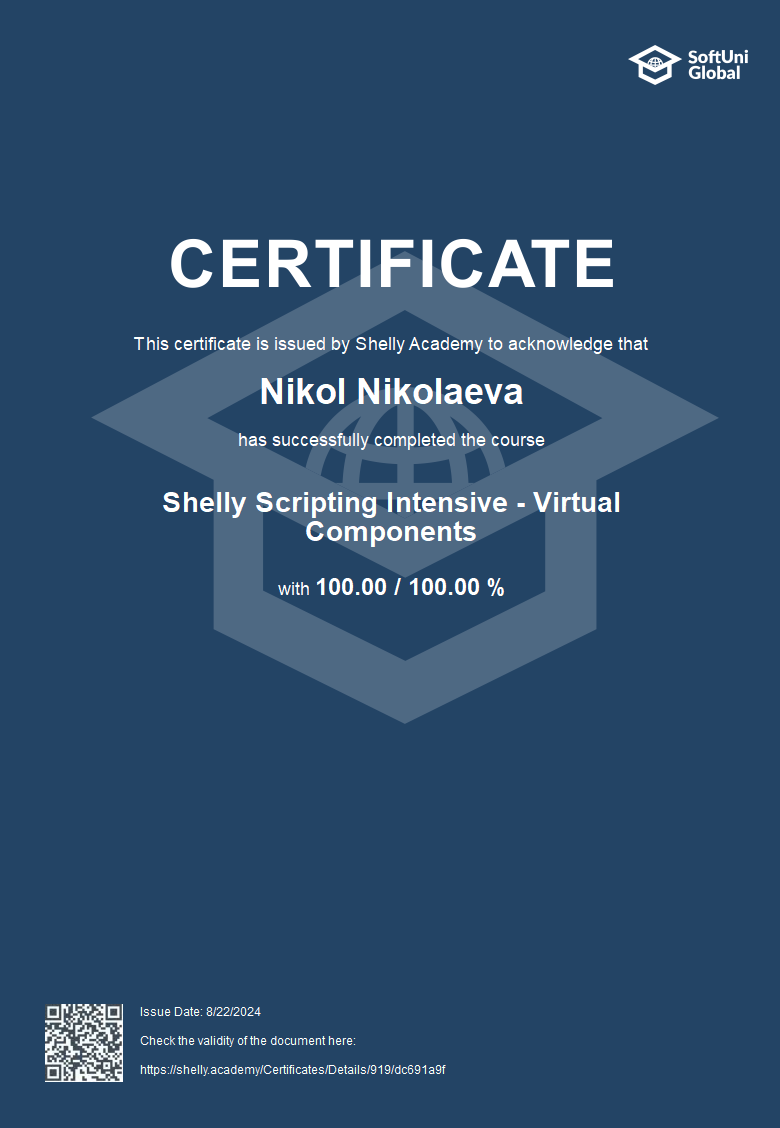
At the end of the course, you receive an official certificate from SoftUni Global and Shelly Academy.

Do I have to buy a Shelly device to attend the course?
No, you do NOT have to purchase a device to sign up for the course. However, for a better course experience we recommend at least one Gen3, Gen 4 or Pro Device and BLE Devices to use BTHome Component (Shelly BLU Motion sensor, Shelly BLU Door/Window, Shelly BLU Button Tough).
Also, throughout the course, you'll see practical applications to:
- • Shelly H&T Gen3
- • Shelly Dimmer Gen3
- • Shelly Pro Dimmer 2PM
- • Philips Hue
- • Shelly Plus RGBW PM
- • Google Home
- • Google Cast
- • Raspberry Pi
Are there any additional requirements?
Hardware:
- • Machine with parameters similar to these:
SSD >= 120GB
8GB RAM
Processor i3, i5, i7 (at least 5th generation)
A mid-range GPU
Software:
- • Browser: We recommend using the latest LTS version of Google Chrome
Others:
- • Stable internet connection
- • Password of the network you will be using to connect the Shelly device
How much is the course fee and what does it include?
Online
40 EURCertificate for participation in the course
Lifetime access to lesson recordings and learning content
Materials and resources to support you in every lecture
Discounted price and opportunity to learn at your own pace
Real-world ideas and applications for your Shelly devices
SoftUni gives you a 100% guarantee of the quality of this course. The most important thing for us is that you acquire the necessary skills and knowledge. If you change your mind, a refund within 14 days of purchasing the course voucher is available, given that the voucher has not been used. For additional information, visit the terms and conditions and refund policy of Shelly Group. You can read the Terms and Conditions related to this specific course HERE.
About Shelly
Shelly is one of the fastest growing IoT brands in the world with devices providing solutions for home and building smart automation. Inspired by our consumers’ dream to live calmly and happily, we create our devices with attention to the smallest details. This is possible thanks to a team of young and talented developers devoted to producing easy to set up and use yet competitive and innovative products. The company has two headquarters – one in Europe and one in the United States. The European office is located in Bulgaria’s capital city – Sofia. The United States office opened its doors at the end of 2019 and is located in Las Vegas, Nevada. Shelly devices are available in over 100 markets. https://www.shelly.com/en